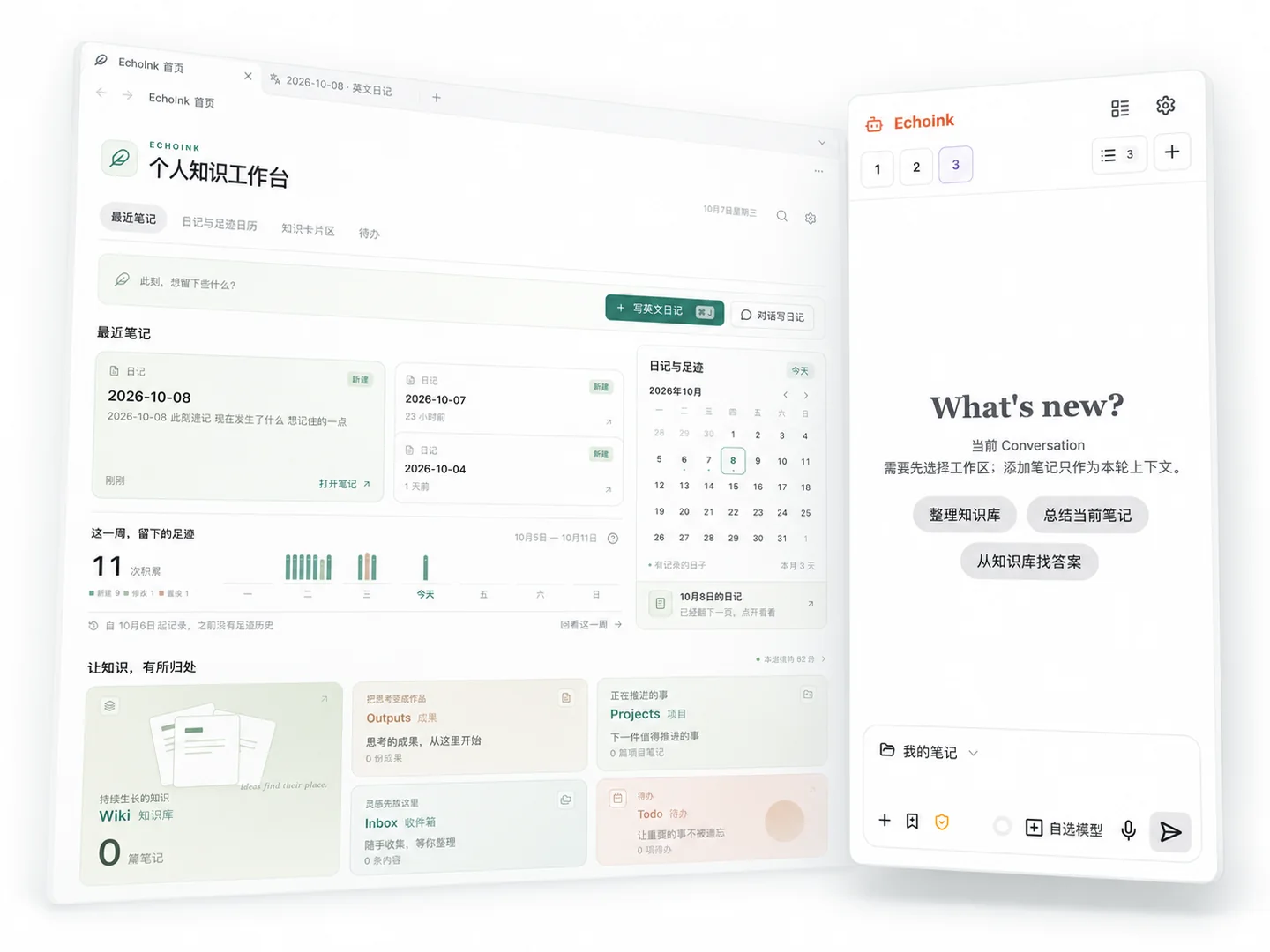
As notes grow, finding and reusing them gets harder. Let the agent organize folders, distill a Wiki, and create bidirectional links, turning scattered records into your own knowledge base.
Find the knowledge you captured, and put it to use. Use Ask to query your notes, follow up, and reflect. Check the answers against the original sources.
From scattered records to knowledge you can find and use.
03 / EVOLVING LONG-TERM MEMORY
Remembers your habits. Keeps learning how you work.
When memory is enabled, EchoInk retains useful preferences, goals, and experiences from conversations. Dream reviews and organizes existing memories and updates your profile, helping future collaboration adapt to you.
Start a new conversation without introducing yourself all over again. You control what it remembers. View, correct, or forget memories at any time, and turn Dream off independently.
Put your methods and tools within the agent's reach.
Bring the standard document-based Skills you use in Codex, Claude Code, and other agents into your notes. Copy a Skill folder into the skills directory and enable it to reuse that method in EchoInk.
You don't have to explain the same steps every time. Connect external tools and services through MCP. Skills that rely on scripts or specialized tools need additional adaptation and setup.
Start with your notes. Add everyday tools as needed.
Enable English diary, finance, and other features when you need them, keeping your learning and everyday records in your own vault.
English diary & expressions
Not ready to speak? Start by writing for yourself. Describe your day in English, switching to Chinese when you get stuck. Then let AI review your draft and compare the two versions to learn more natural ways to express yourself.
Your life is your English practice material. Collect phrases and short sentences from your diary. Revisit them with their original examples and context, then use them the next time you write or speak.
Keep income and expenses together, review spending categories and monthly budgets, and use bill plans for a trip or a set of ongoing expenses.
Understand where your money goes, and plan what comes next. Keep records, budgets, and spending that needs attention in one place, with less cross-checking.
Features include free and PRO capabilities. See the details in Plans ↗.
Your information. Your choices.
Stored locally. Your choice of model.
Keep control of your information
Notes, diaries, and financial records stay in your own Obsidian vault. Back up, sync, or move them your way, and keep your accumulated knowledge accessible.
Choose the capabilities and costs
Connect a model service you trust and choose models based on the task, results, and budget. You are not tied to a single provider.
When you use a cloud model, the conversation, notes, or attachments needed for the request are sent to your chosen service. Model API fees are separate.
GET STARTED
Let your agent help. Start with a single note.
Install EchoInk, connect your model, and tell it what you want to accomplish.