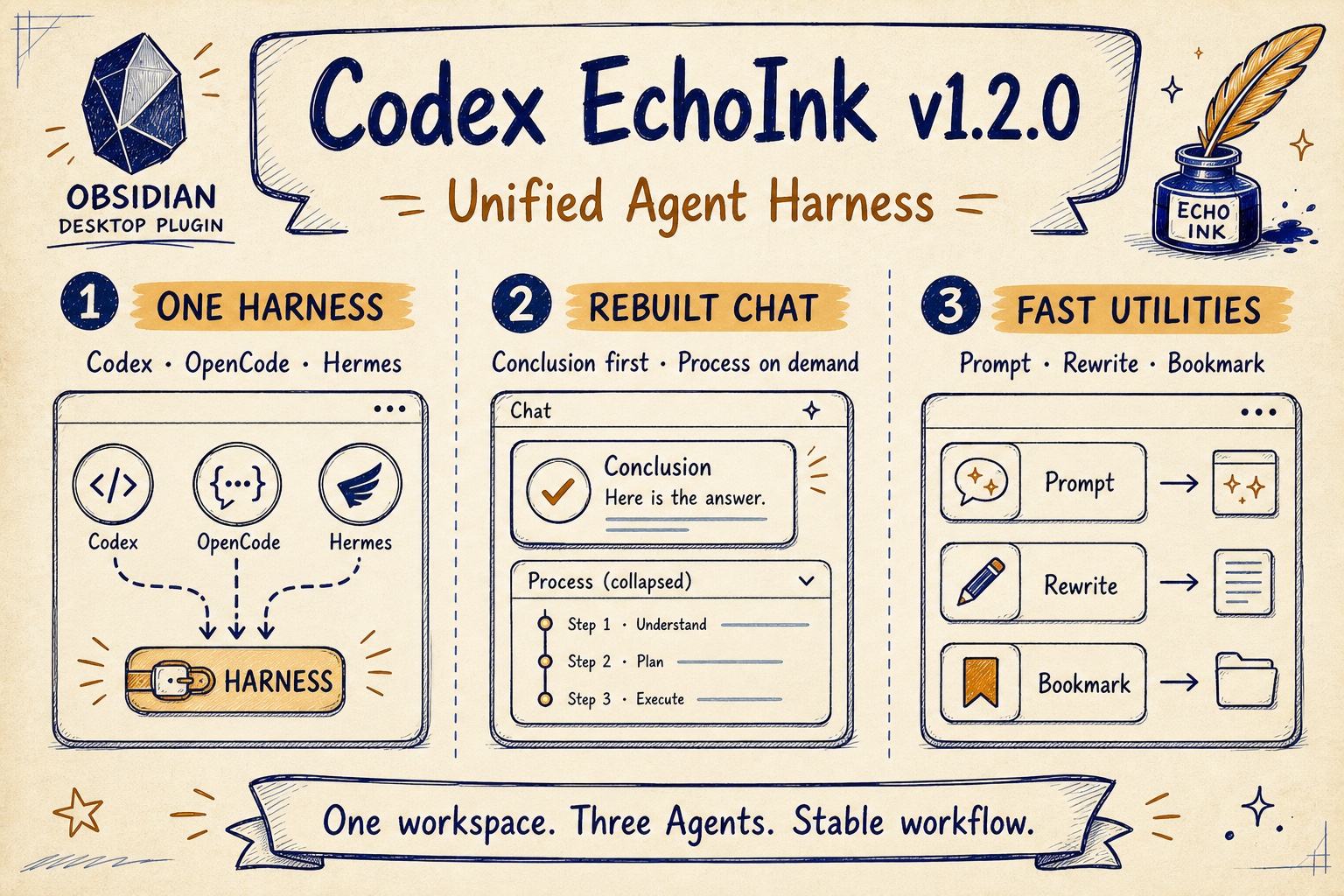
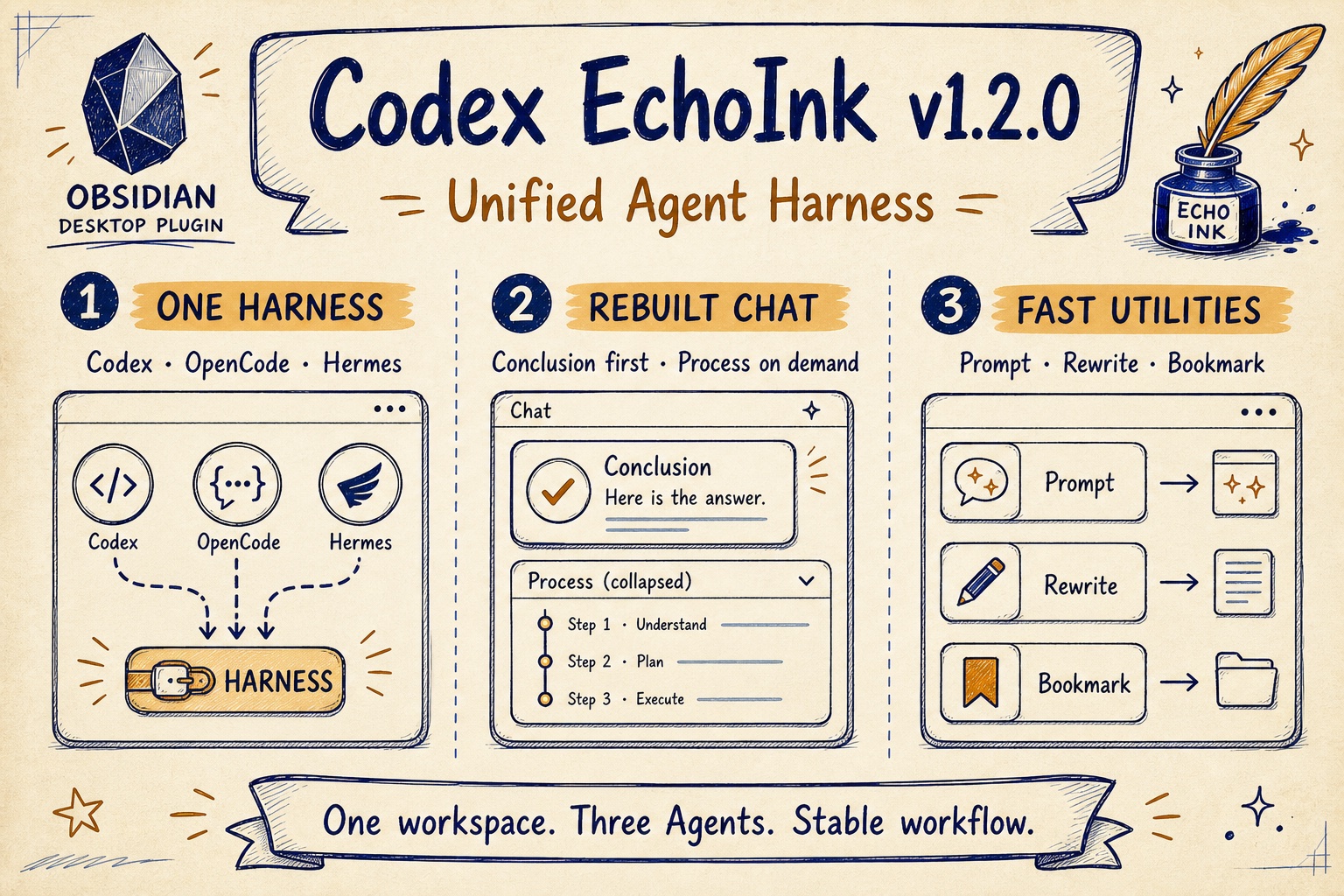
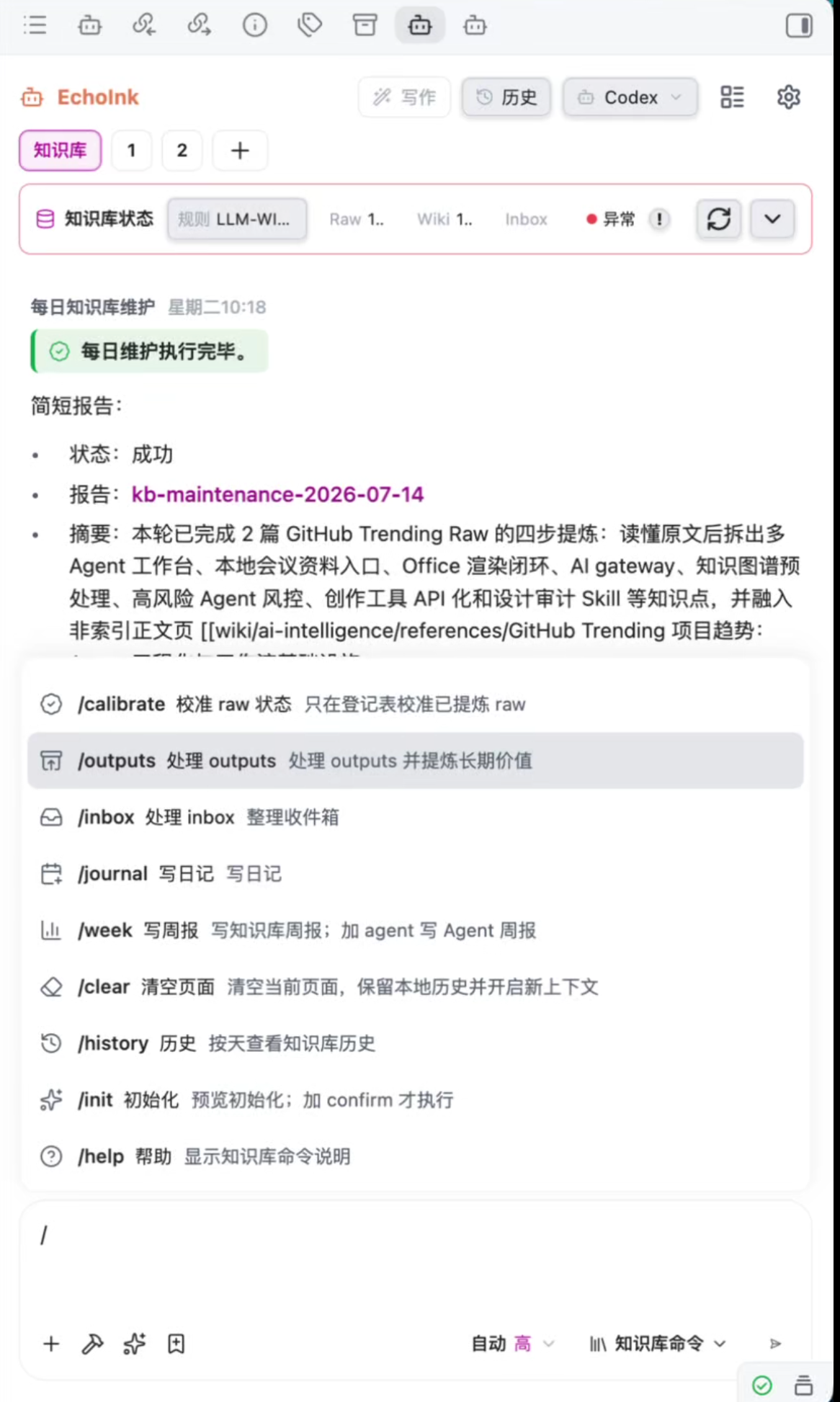
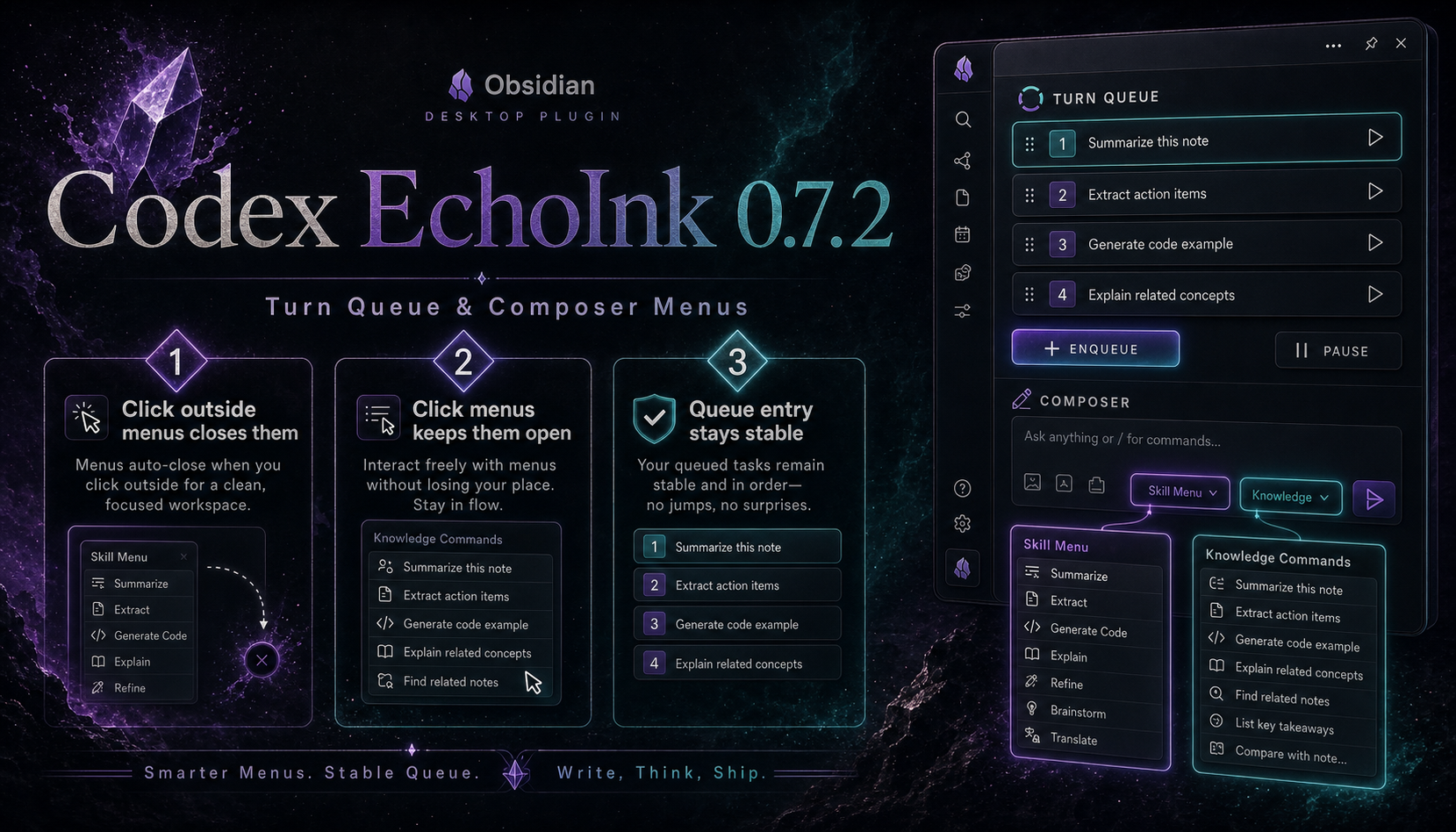
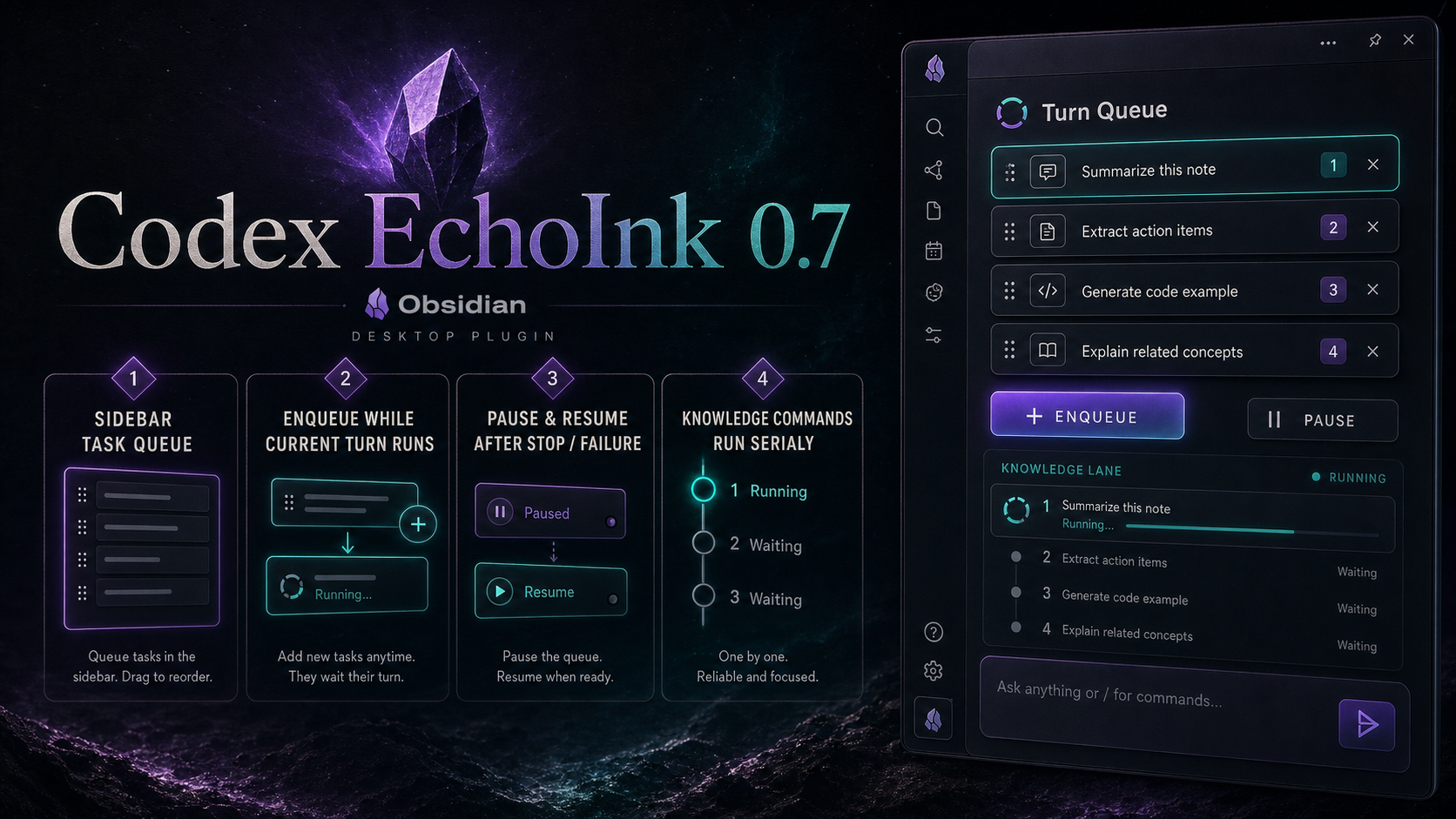
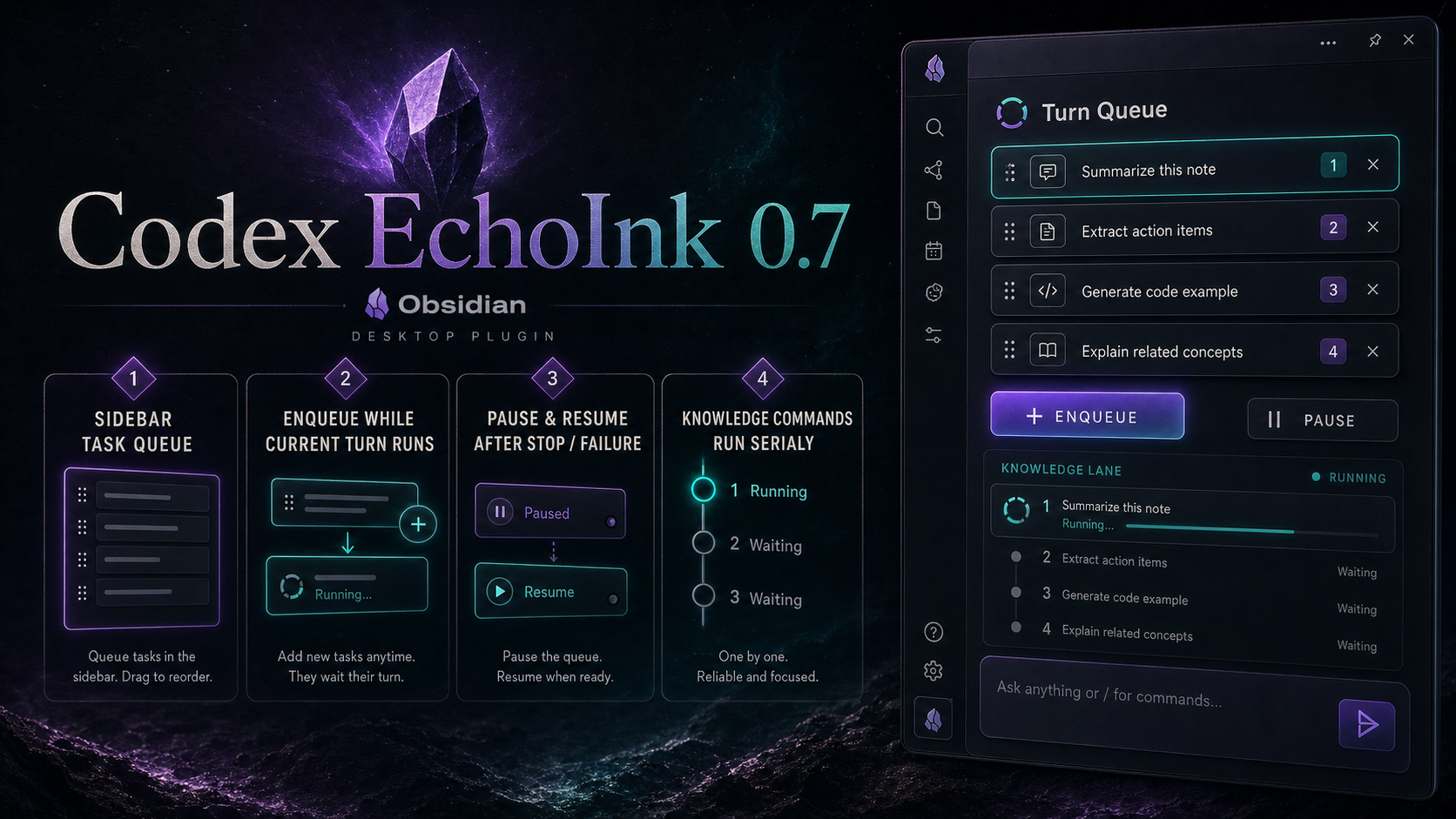
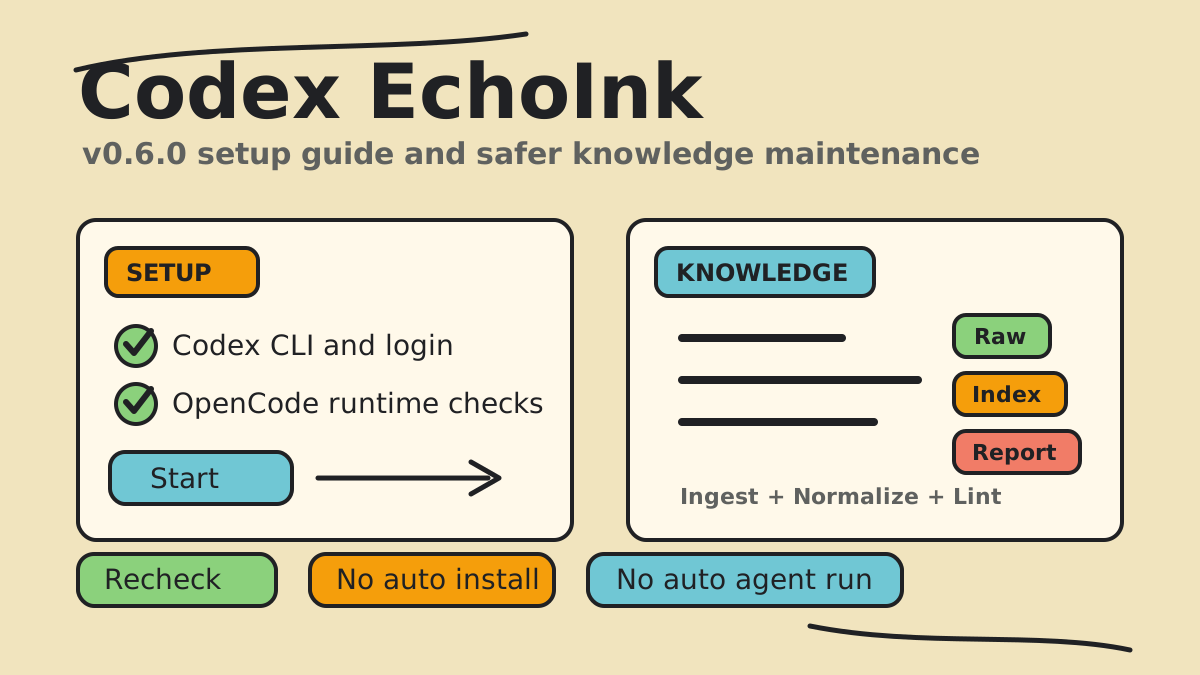
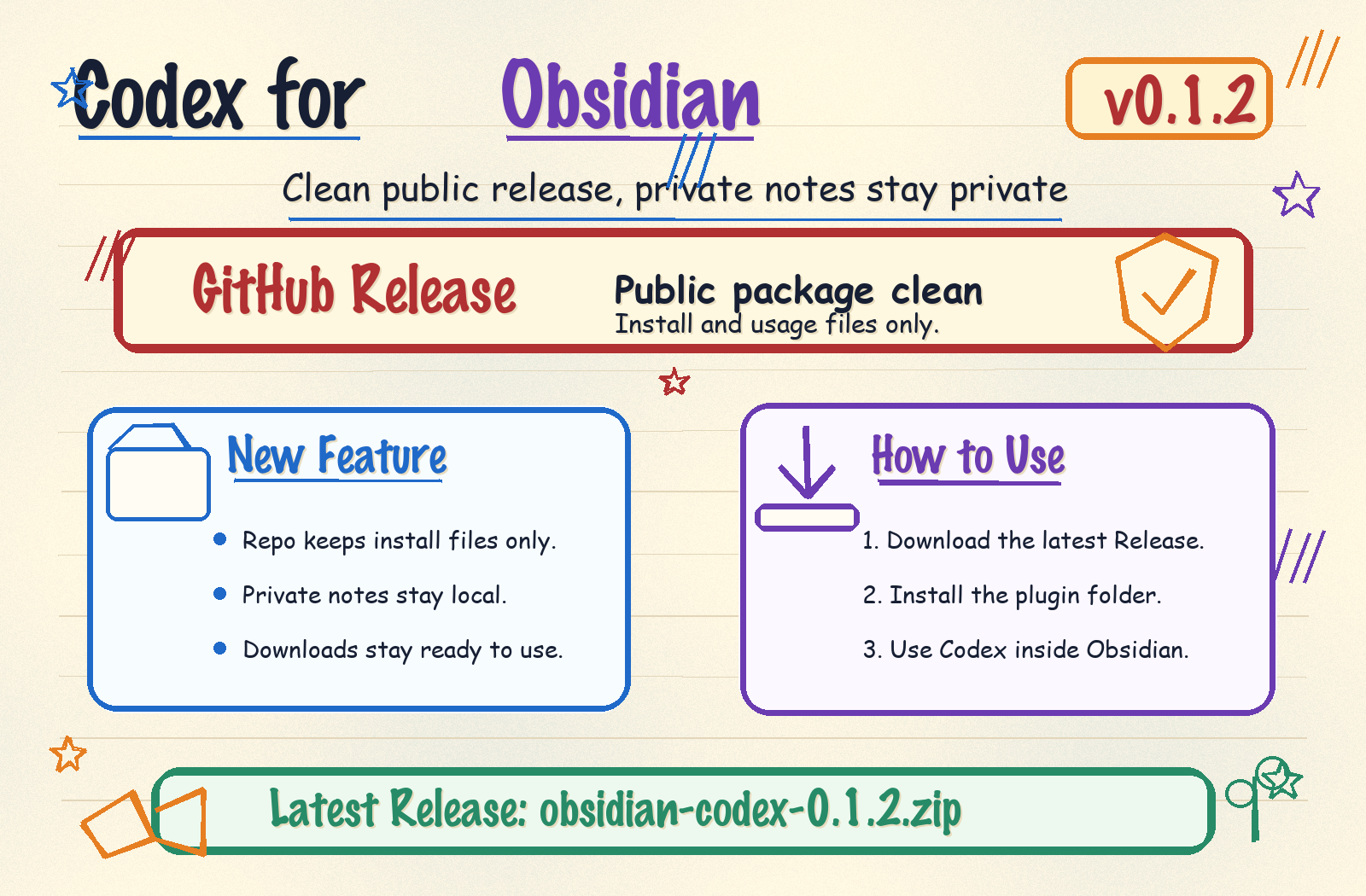
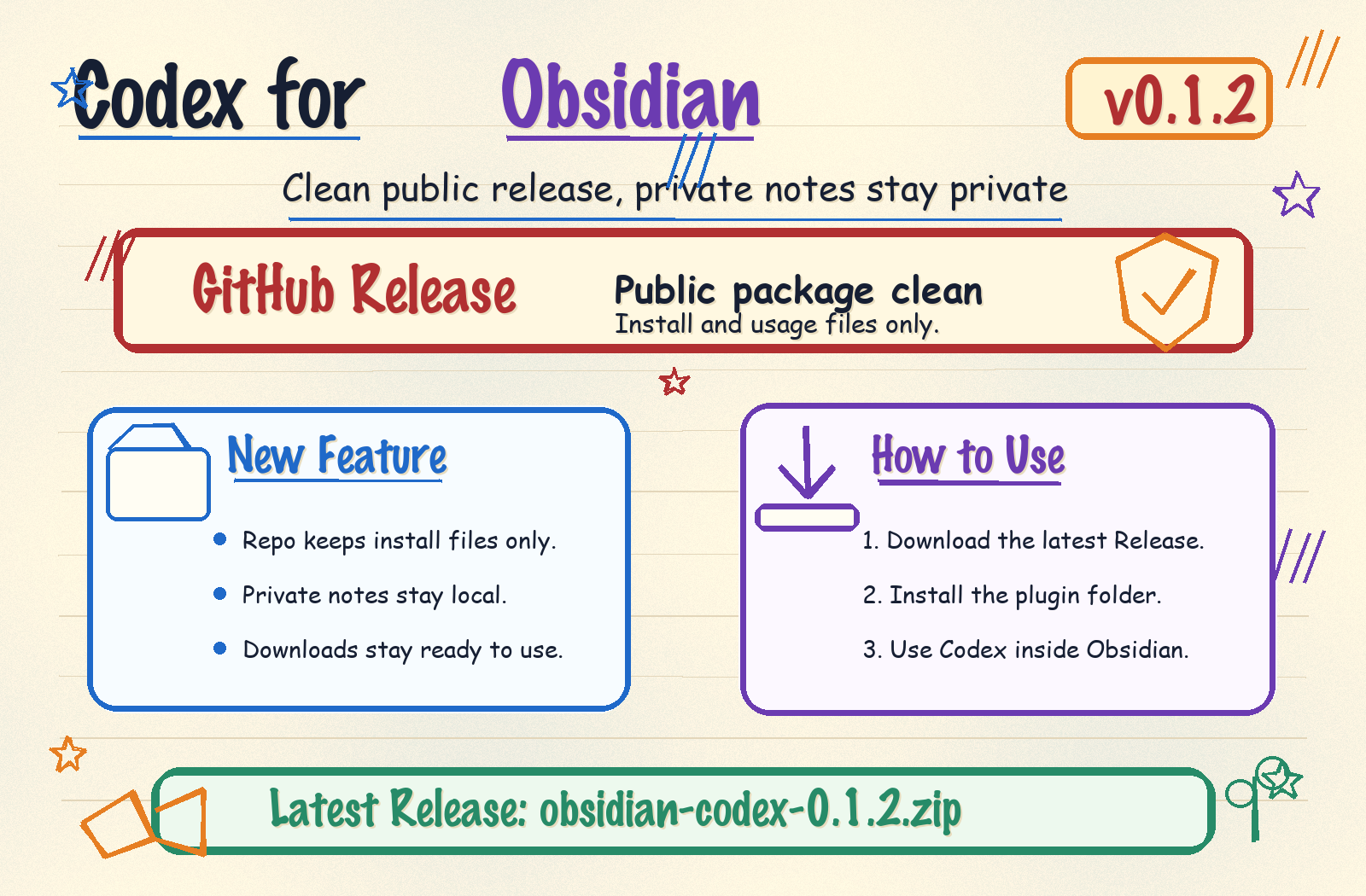
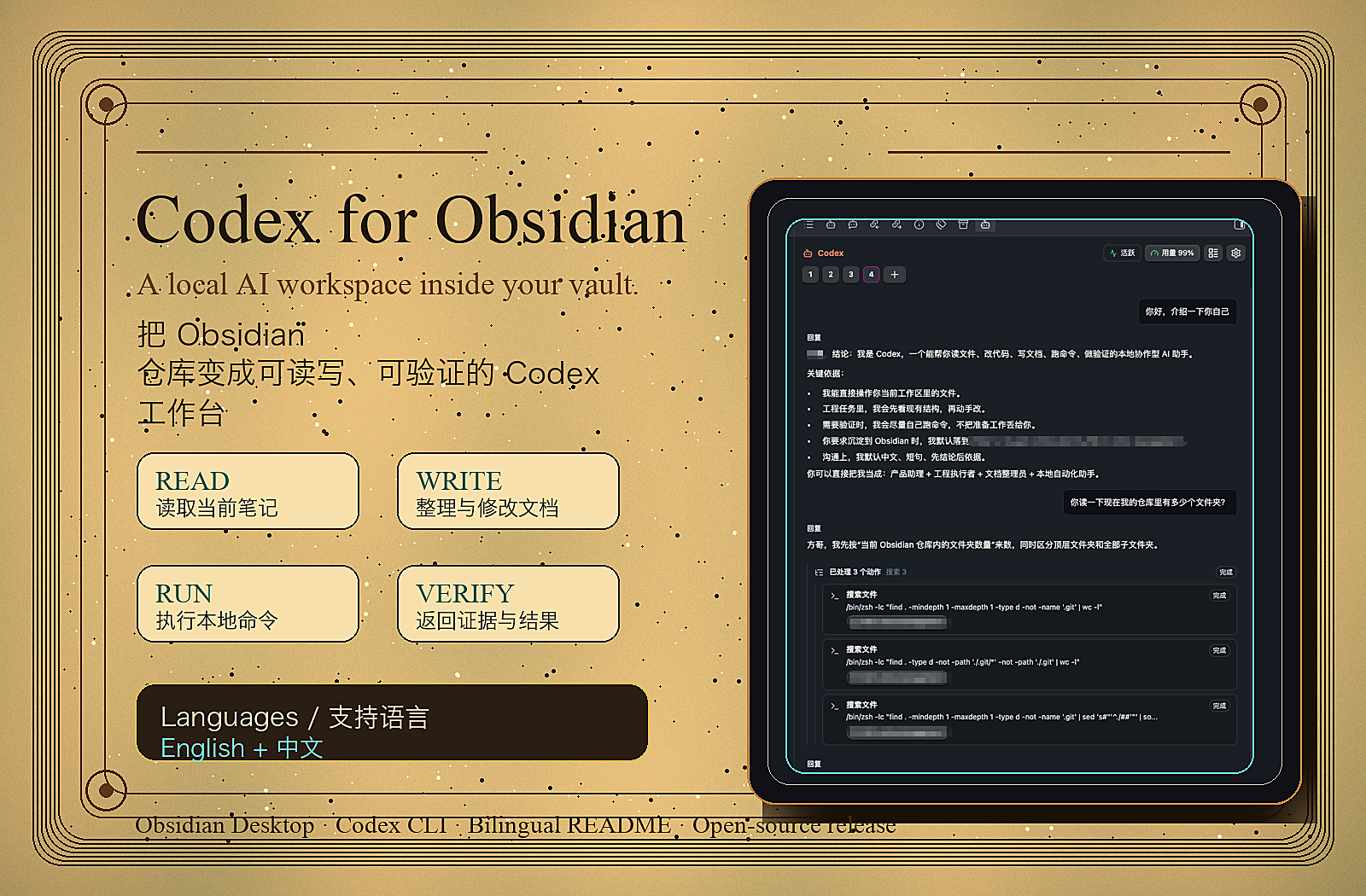
Fixed an issue that prevented the plugin from being enabled on Windows.
A place to pick up where you left off.
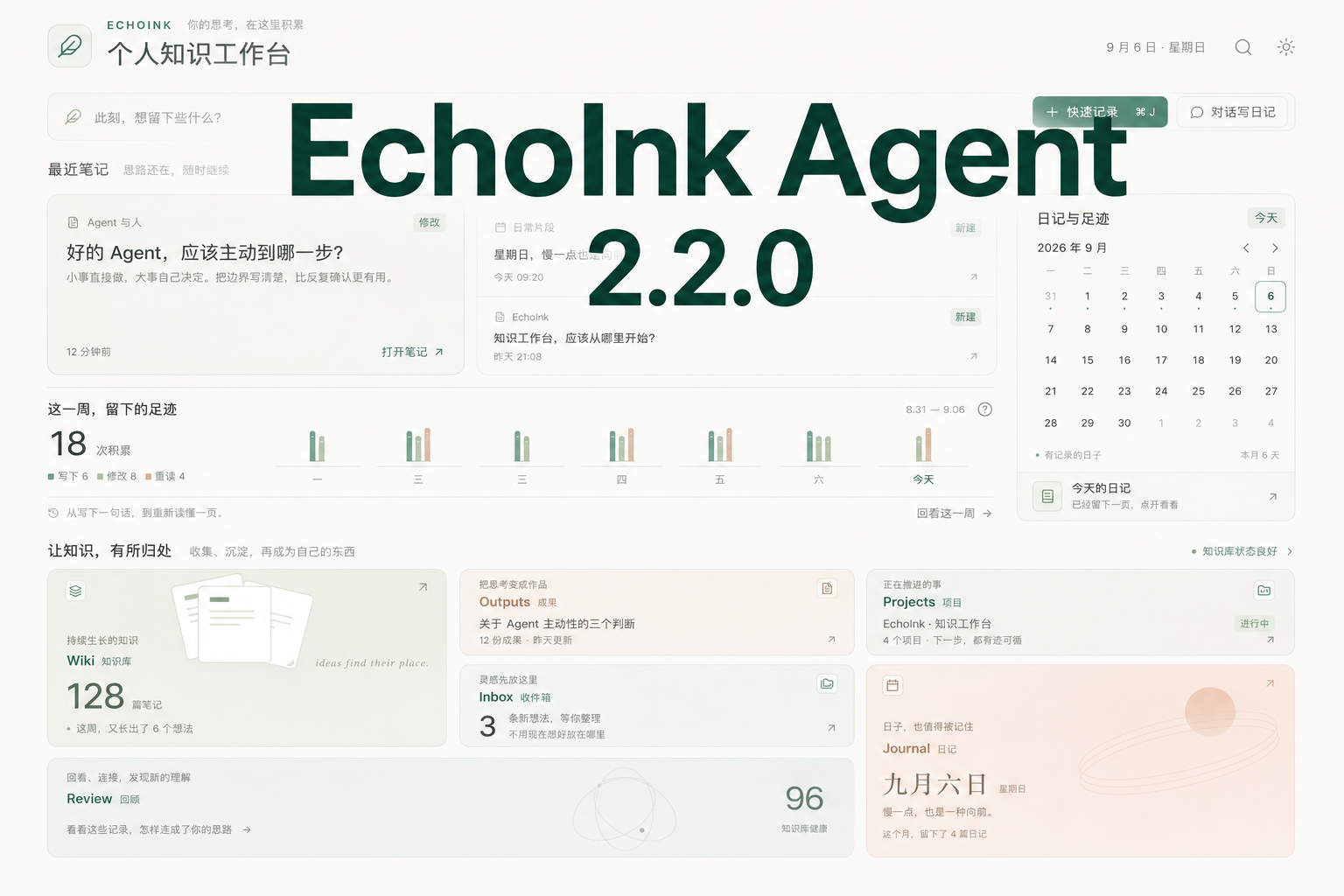
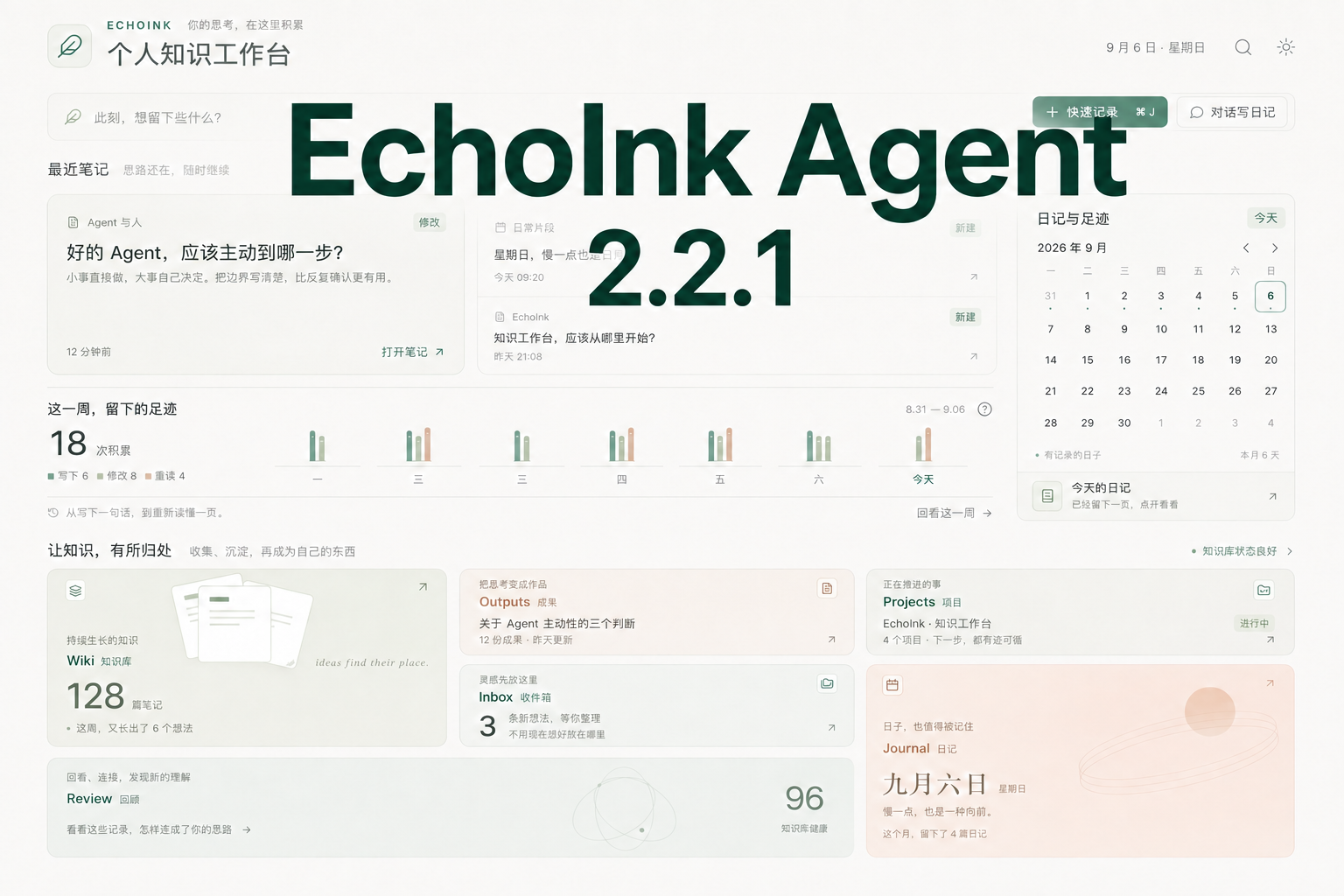
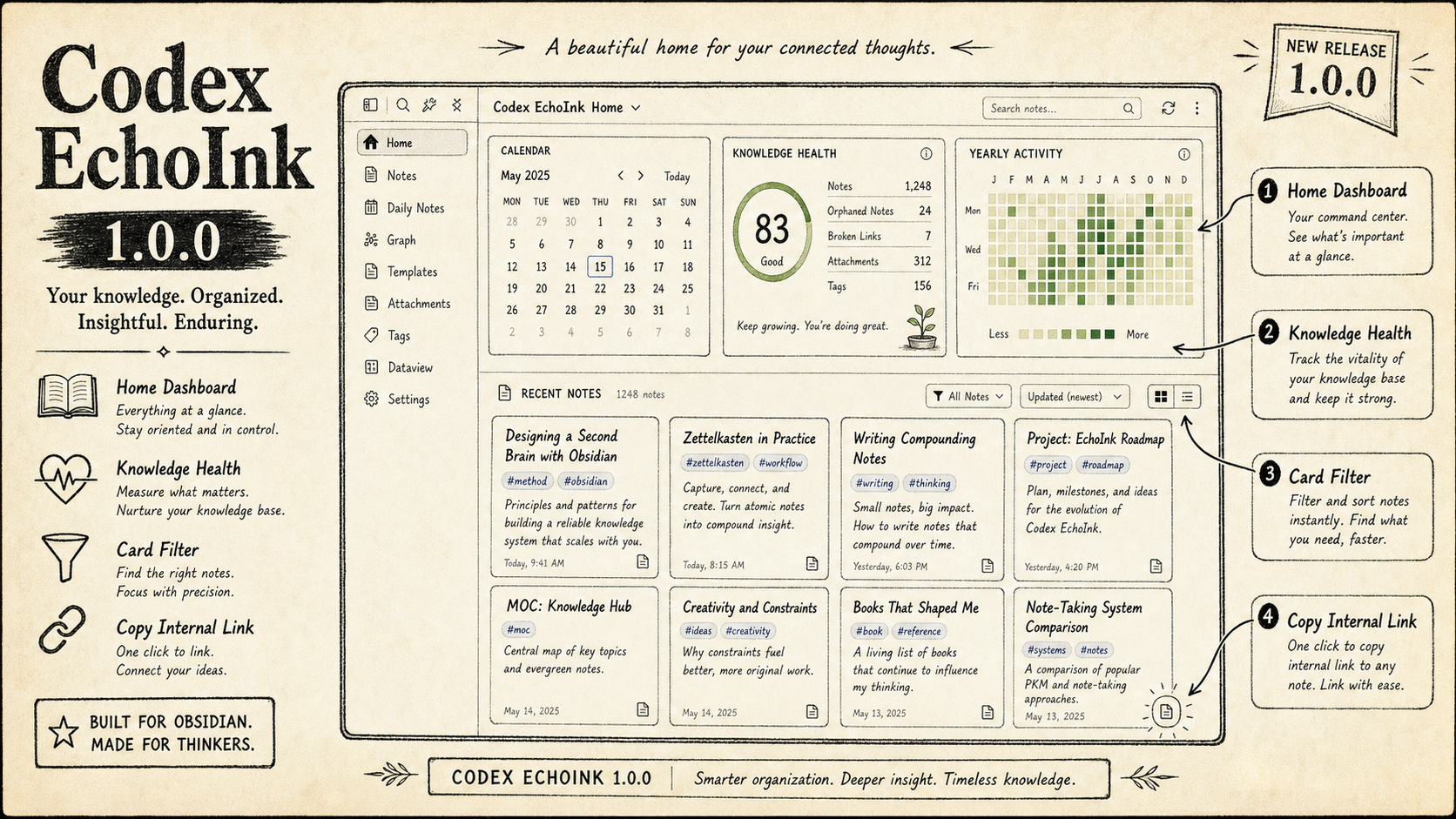
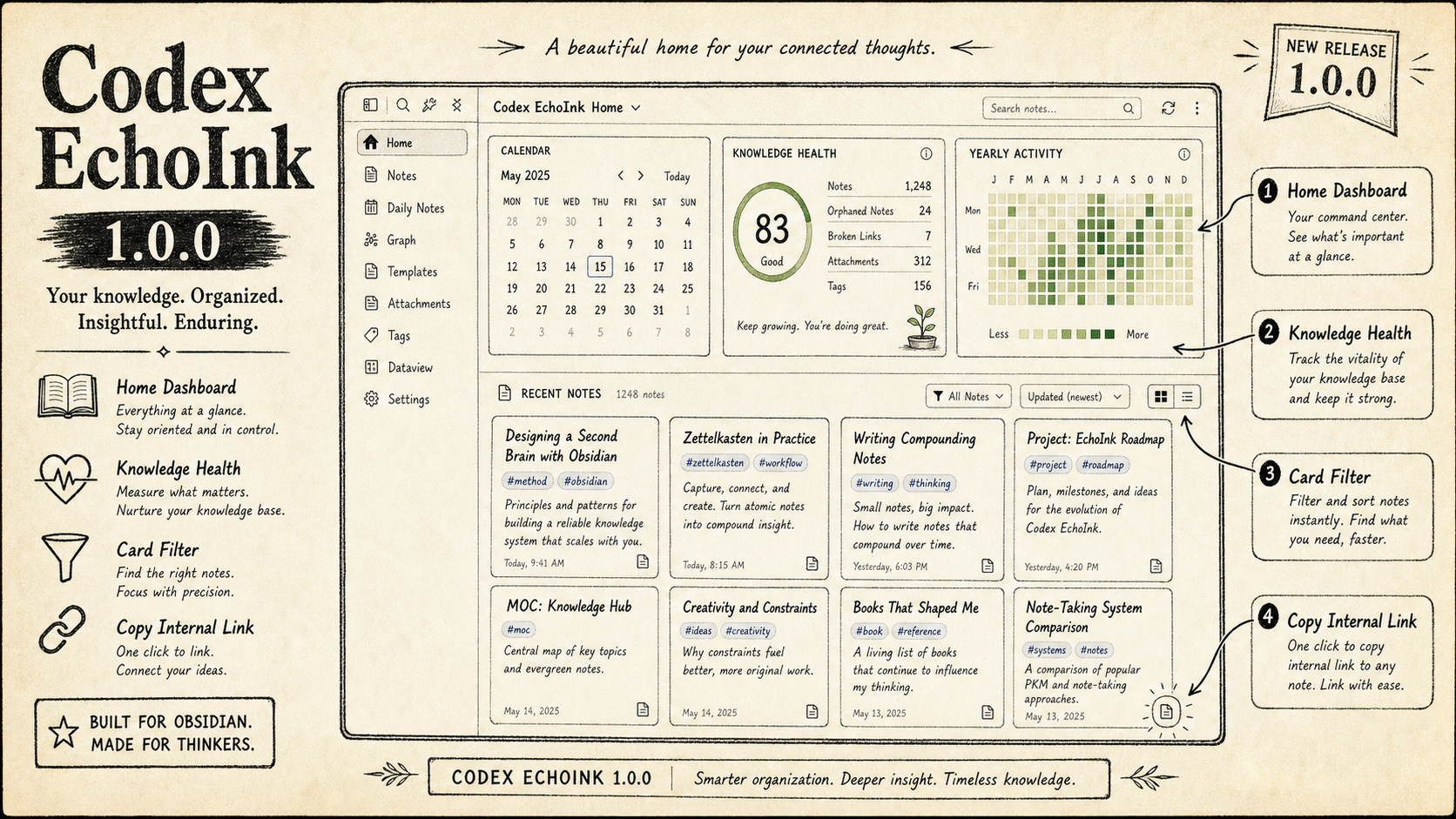
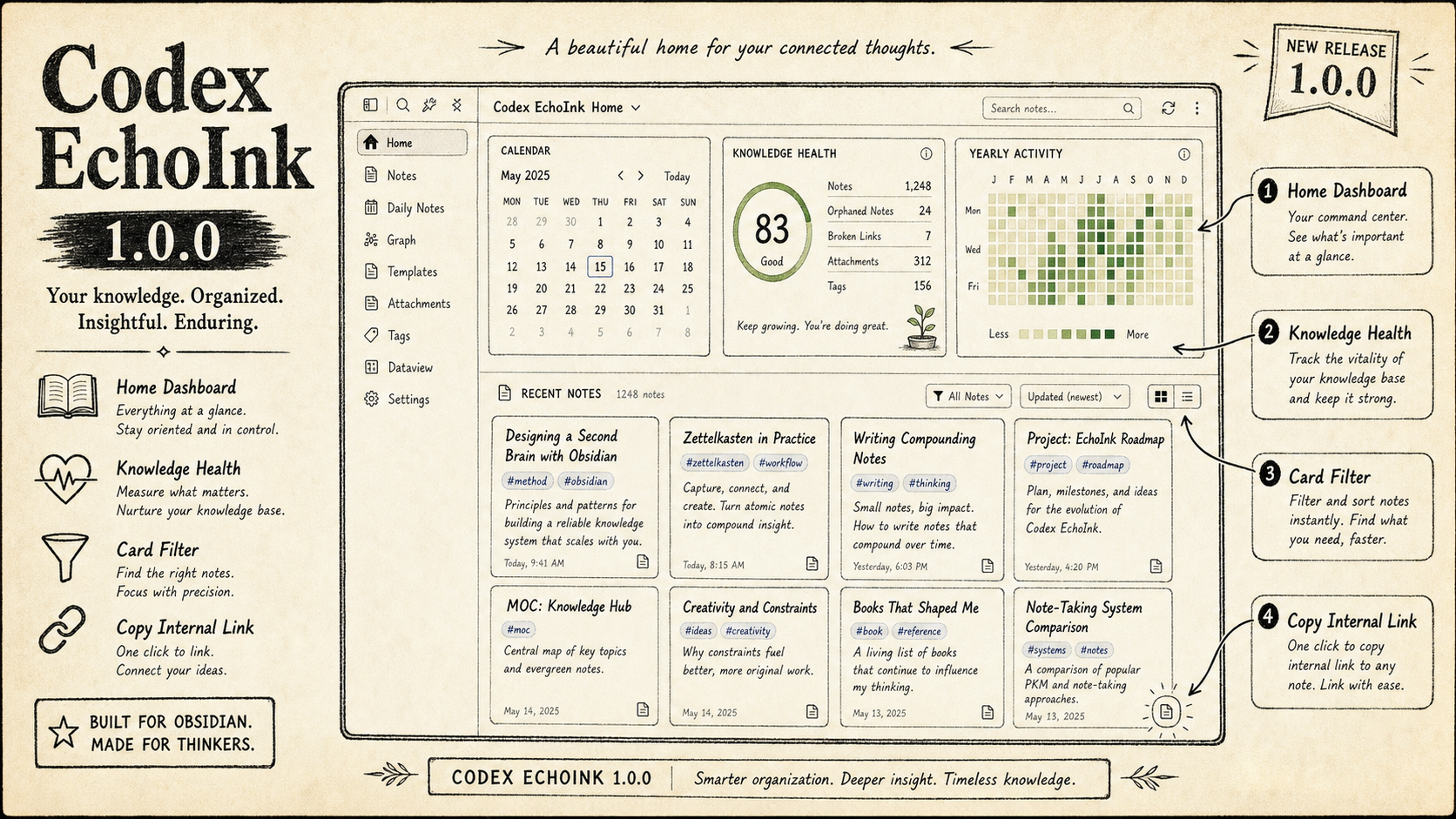
An unfinished thought, a note you kept returning to this week, an idea you haven't sorted yet: EchoInk Agent 2.2.2 brings them together in a redesigned personal knowledge workspace. A complete settings refresh makes the rest of the plugin easier to navigate, while your familiar Obsidian folders, note tabs, and Agent sidebar stay in place.
Open your workspace and find your thread
Recent notes bring newly created and edited pages back into view. Search expands within the page, with suggestions appearing below as you type. For a passing idea, select Quick note to create and open a blank note in Inbox, ready to write.
Select a recent note or search result to open it in an Obsidian note tab. The workspace is a tab too: return whenever you need it, or reopen it from the left EchoInk entry if you close it.
See your progress as days you can return to
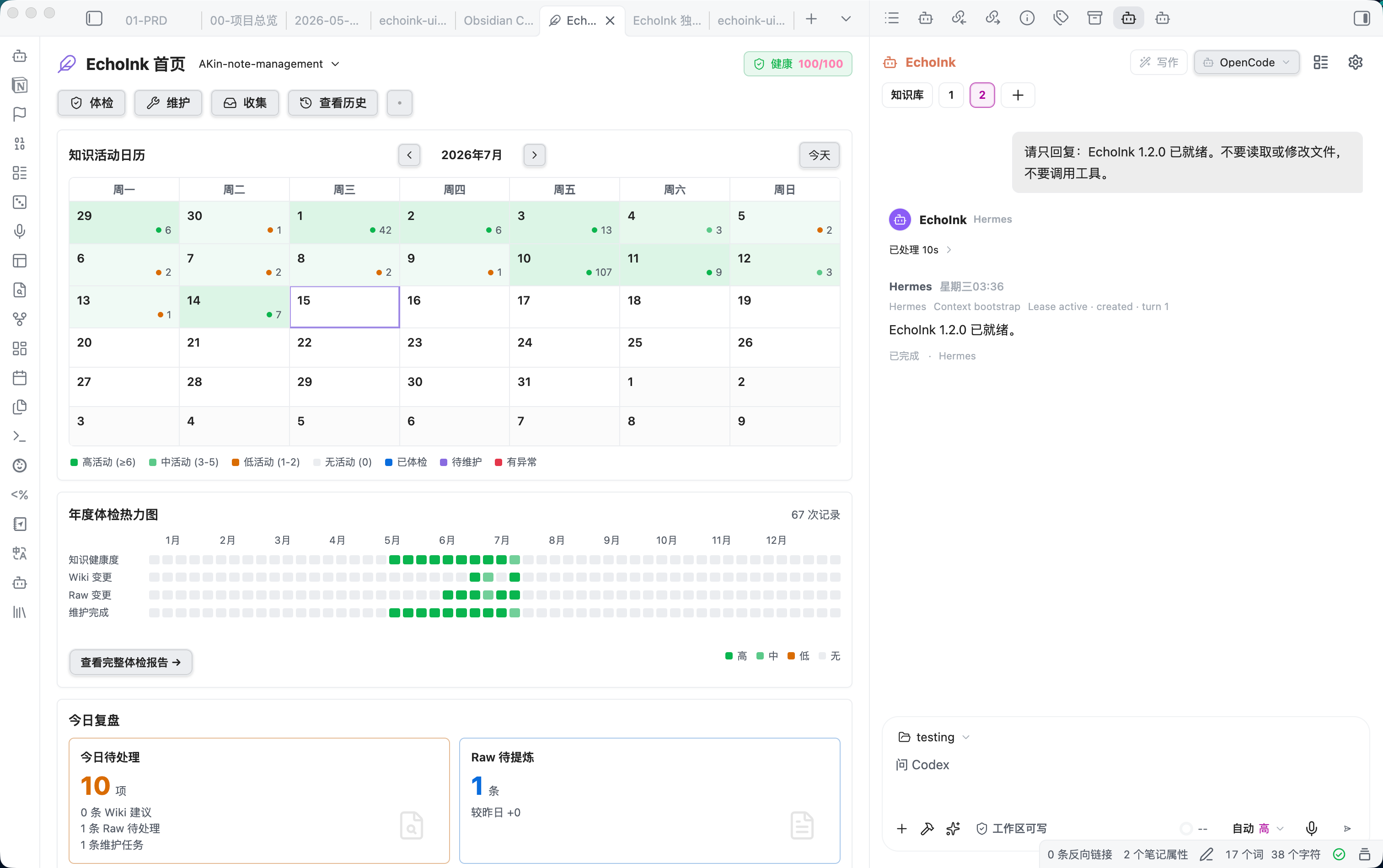
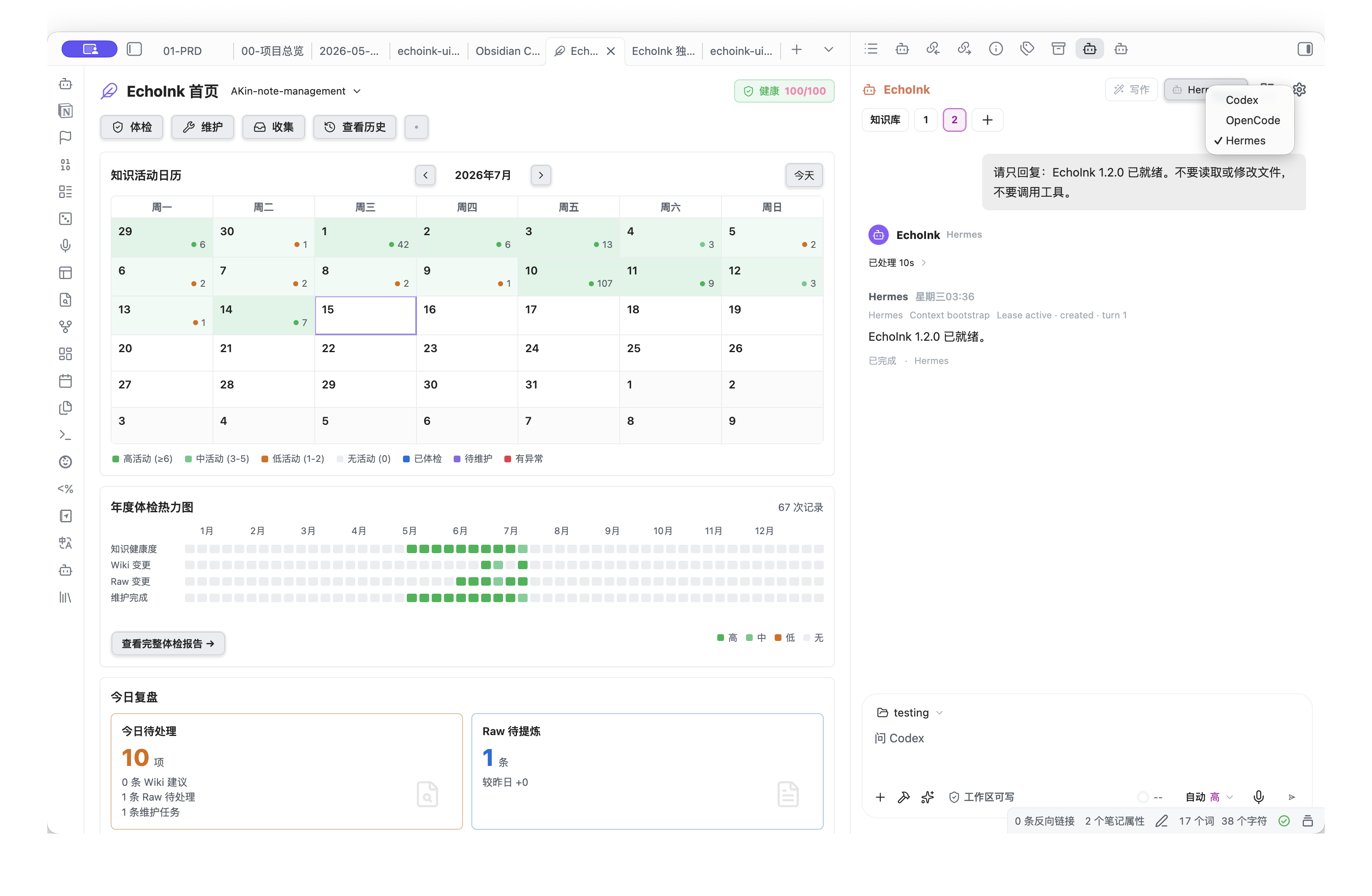
Weekly activity brings writing, editing, and rereading together. The calendar connects journals and activity to a date, giving you another way to recover a line of thought.
Select a day to see its records, or open View this week and follow an entry back to its note. Activity starts accumulating when tracking is enabled; matching actions on the same note and day are combined. Earlier activity is not invented or backfilled.
A home for your knowledge, a clear next step
Six cards—Wiki, Outputs, Projects, Inbox, Journal, and Review—connect knowledge, finished work, projects, ideas, daily writing, and reflection. Gentle colors distinguish the destinations, and a light hover animation reveals each action.
- Wiki / Outputs / Projects / Inbox: Open the native Obsidian local graph for that folder's index note and explore the notes connected to it.
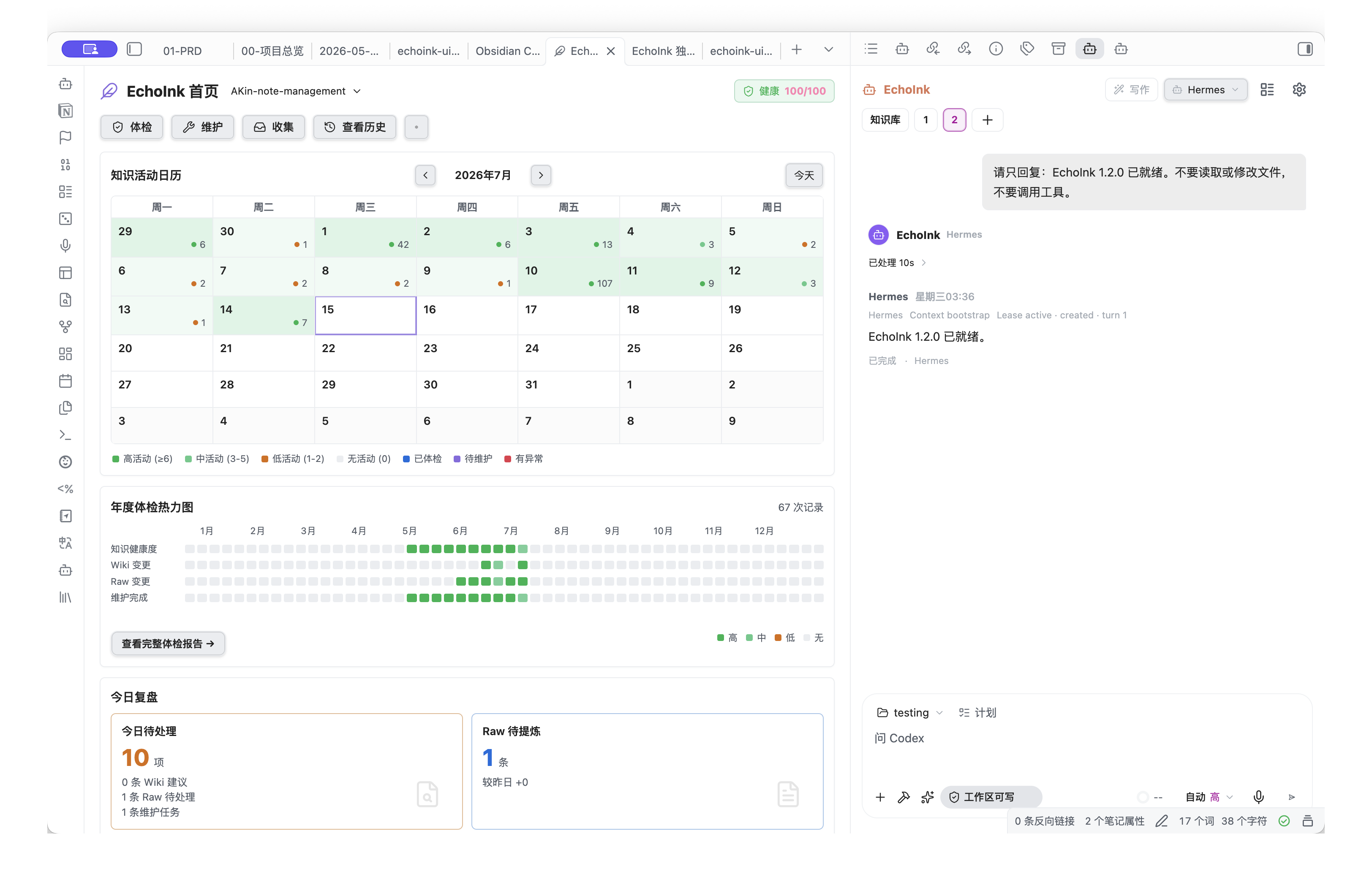
- Journal: Choose a template to start writing. Prefer talking first? Use Journal with your Agent at the top of the workspace to reflect on your day with the Agent.
- Review: Start a fresh knowledge-review conversation in the right sidebar, revisiting notes and exploring connections one step at a time. Writing changes back to notes still requires your confirmation.
Settings with a consistent rhythm
All five settings tabs and their detail pages now share cards, spacing, buttons, switches, inputs, and selectors. Model connections, resources, knowledge status, and review tools each have a clear place. Layouts adapt to the available space as windows resize or the interface switches between Chinese and English.
Under API Provider, choose a service by group, enable models, and adjust defaults and parameters. Under Skills & MCP, search resources, open details, and edit configuration. Hover over a question mark beside a heading for an explanation when you need it.
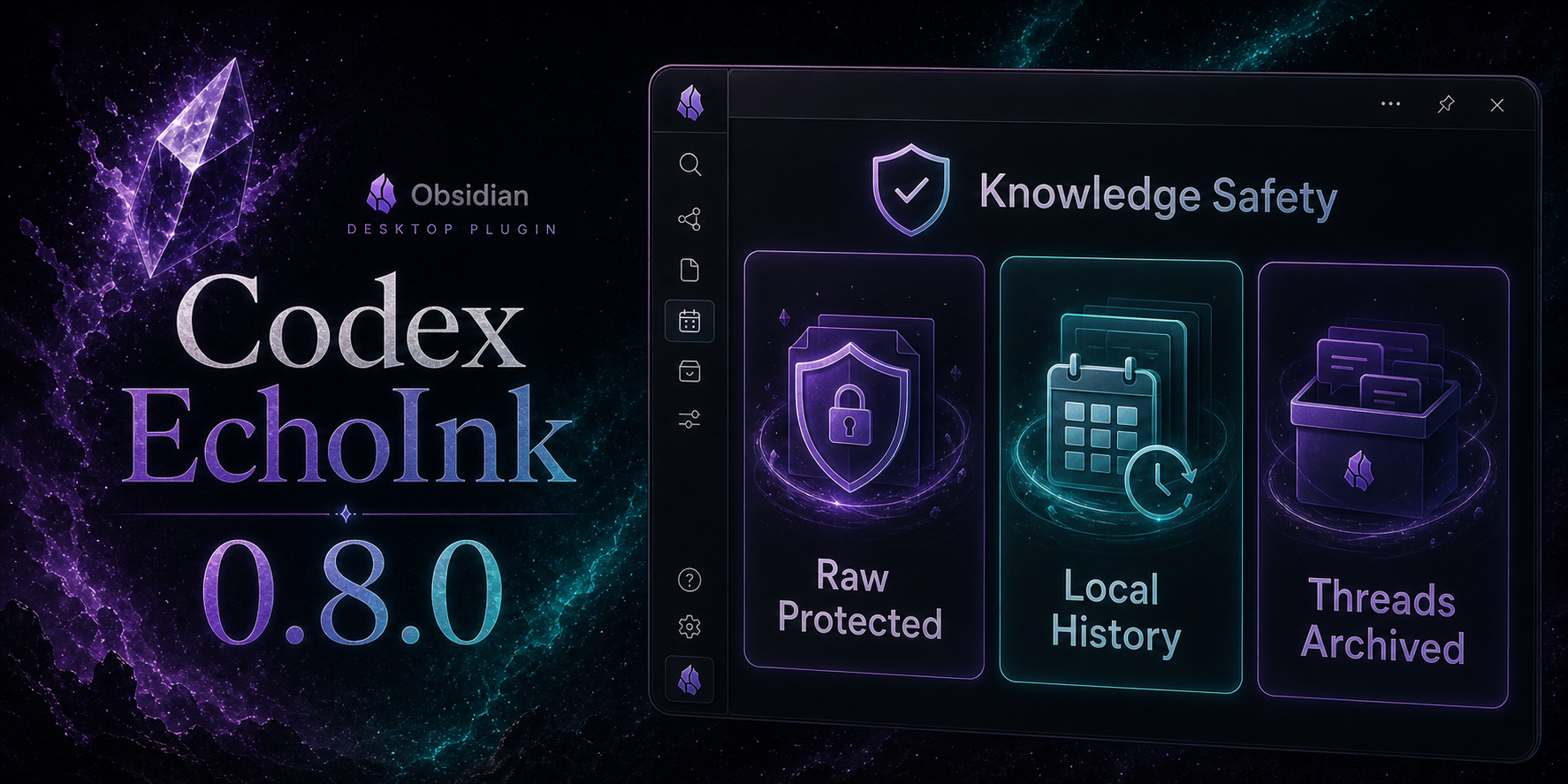
Under Knowledge, inspect the local structure score, check history, and maintenance progress. The score uses actual directory, index-file, and source status. It describes structural readiness, not the quality of your writing or a comprehensive vault diagnosis.
Organize existing notes after seeing where they will go
Custom initialization gives each destination folder one row, so a large collection of notes no longer turns into a sprawling assignment table.
Open Knowledge → Custom plan, select the add action beside a folder, search by title or path, and choose multiple notes. Review assigned items, undo selections, and check the plan. Organization runs only after you select Start initialization, leaving room to adjust your choices first.
A clearer first meeting
The redesigned five-step guide uses focused highlights and progress cards that match the new workspace. It points to the actual left-side entry, settings, model connection, knowledge plan, and Agent profile.
Continue with Next, go back, jump between steps, or leave at any time. The completion screen lets you replay the guide. It shows you around; connecting a model and organizing notes remain your actions.
Keep working while another conversation finishes
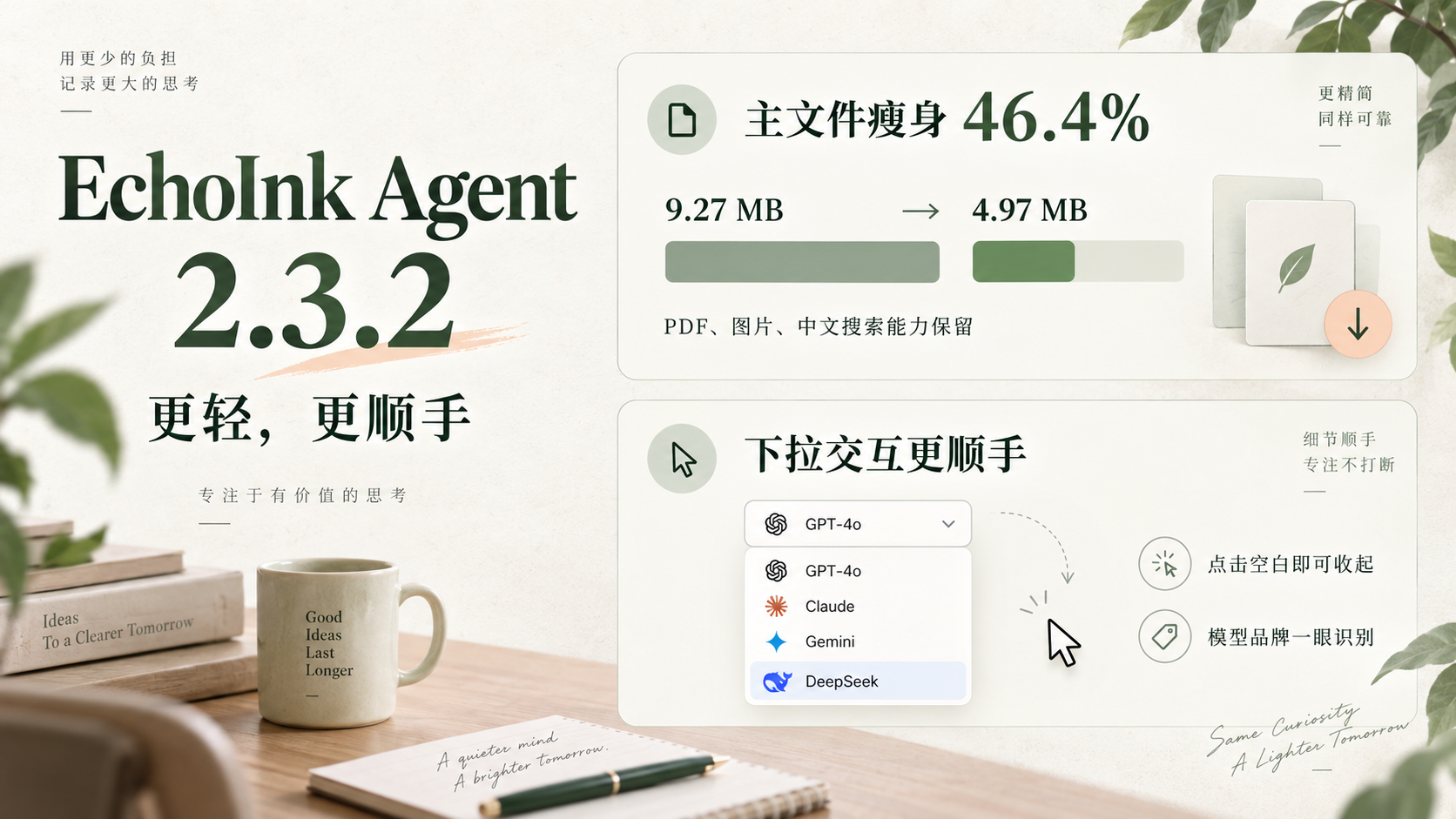
While the EchoInk chat view remains open, switch to another conversation and continue working. The earlier conversation can keep running and shows an unread indicator when it finishes; runs can also be stopped individually. English now covers the workspace, settings, and chat sidebar, while your own notes and conversations keep their original language. The main plugin file has dropped from about 12.64 MiB in 2.1.0 to 8.71 MiB, a download-size reduction of roughly 31%.
Download and upgrade
- Upgrade directly from 2.1.0 without reinitializing Knowledge or rebuilding conversations and long-term memory. Existing Provider and model settings remain available.
- Check for updates in Obsidian's Community plugins page. For manual installation, download main.js, manifest.json, and styles.css from this release, place them in your vault's
.obsidian/plugins/codex-echoink/ folder, and re-enable the plugin. Keep your existing data.json.
- Requires Obsidian Desktop 1.11.4 or later; mobile is not supported. The main file still exceeds Obsidian Sync Standard's 5 MiB per-file limit, so update each device separately when using that plan.
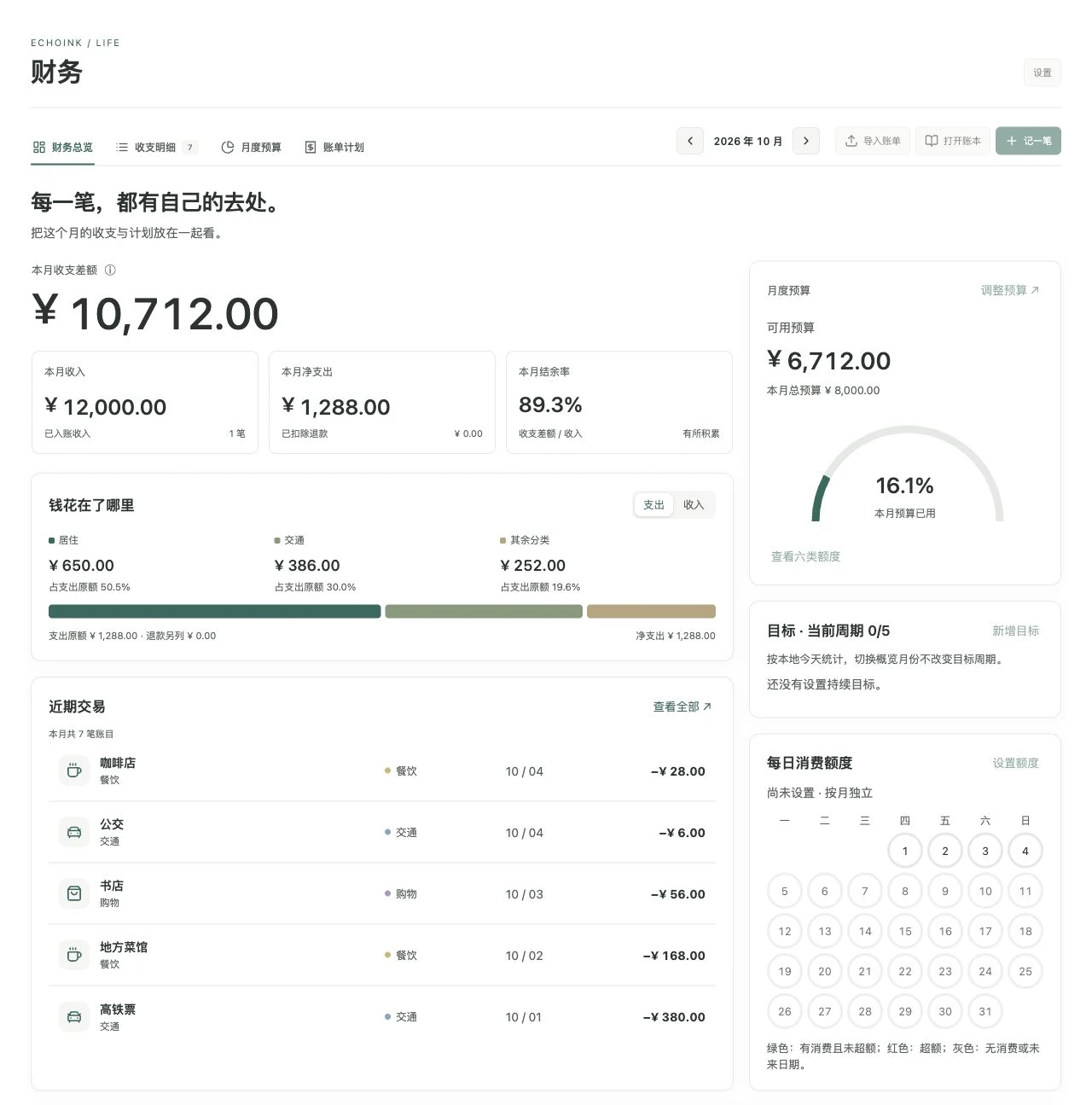
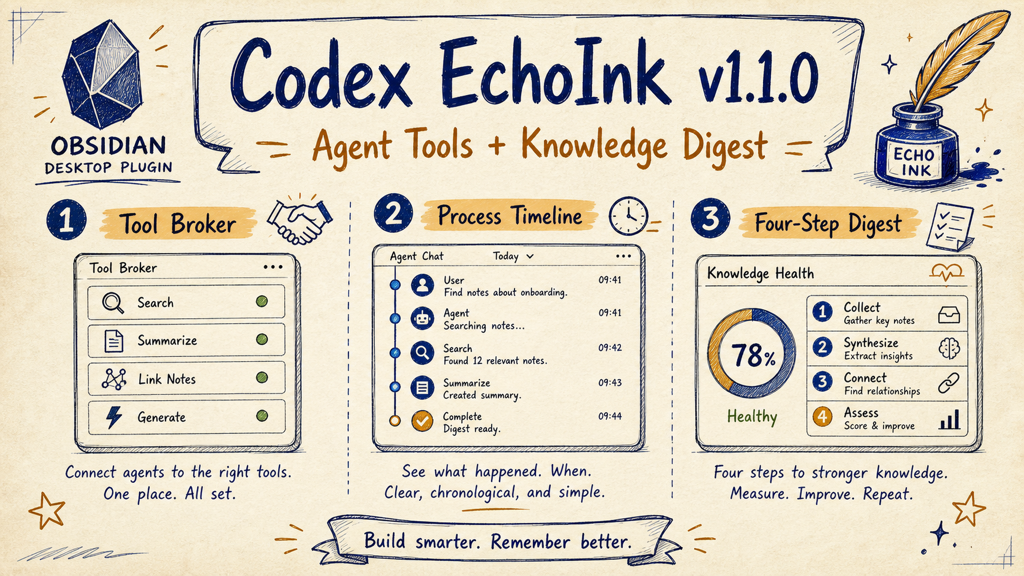
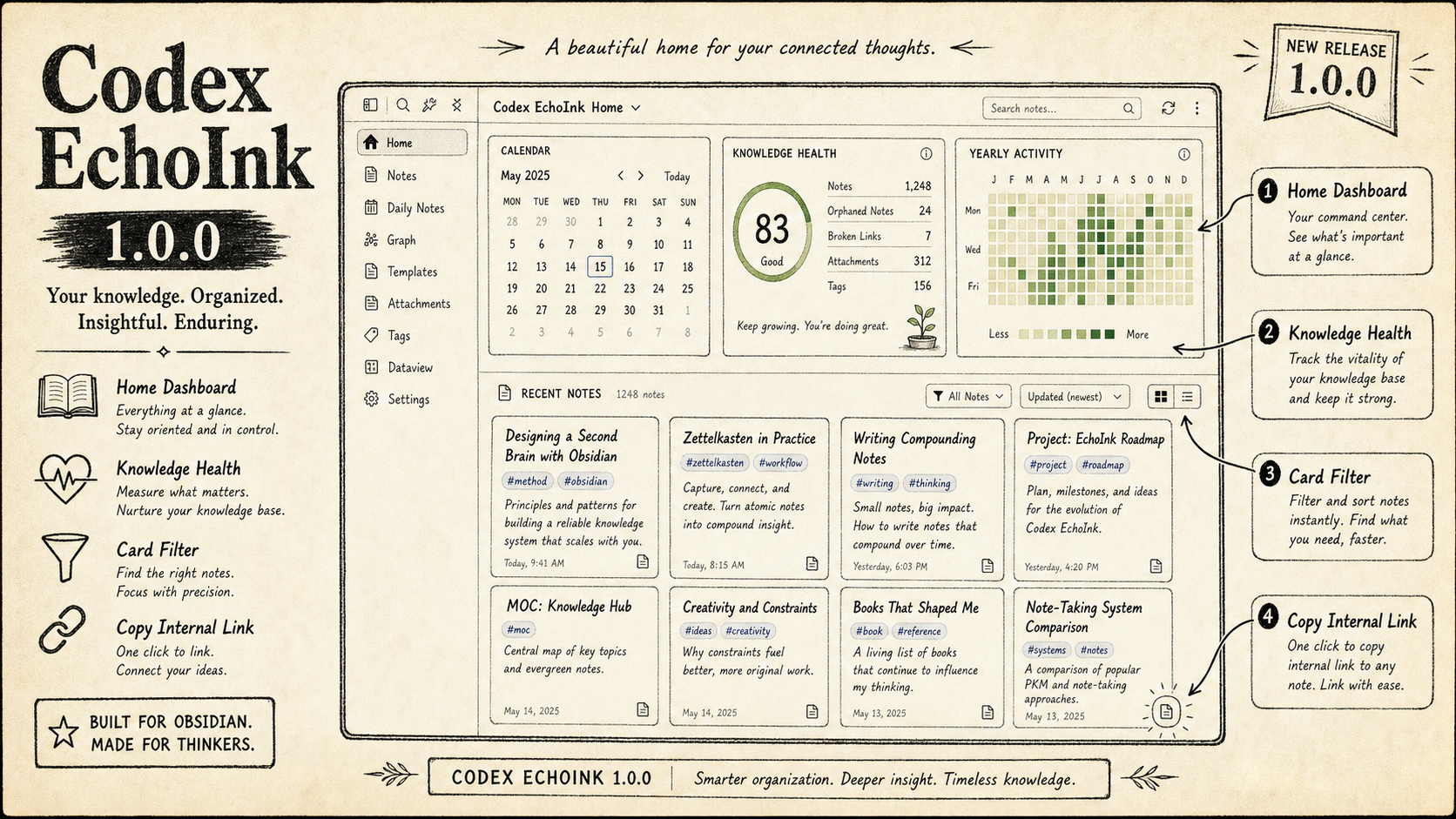
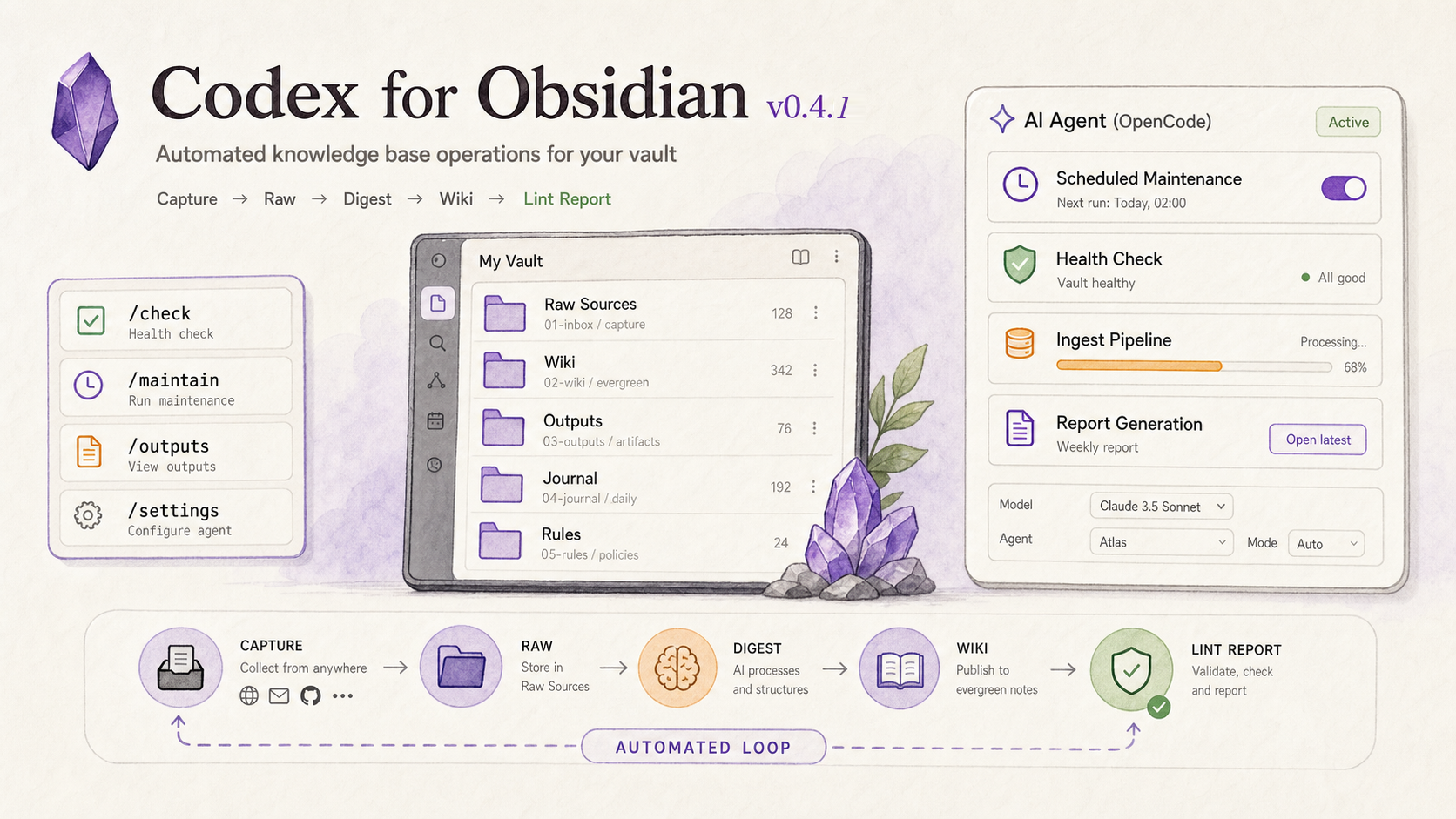
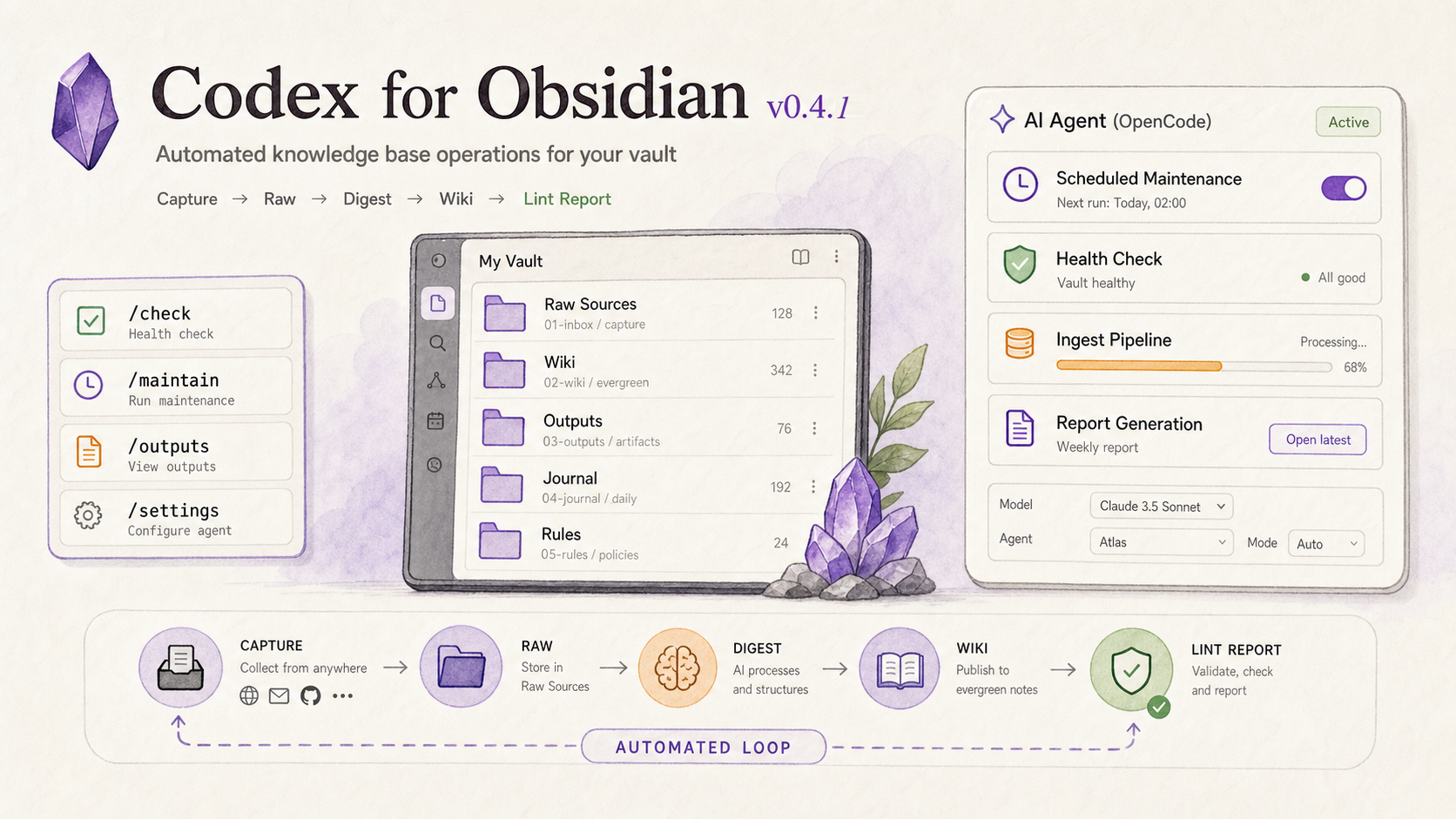
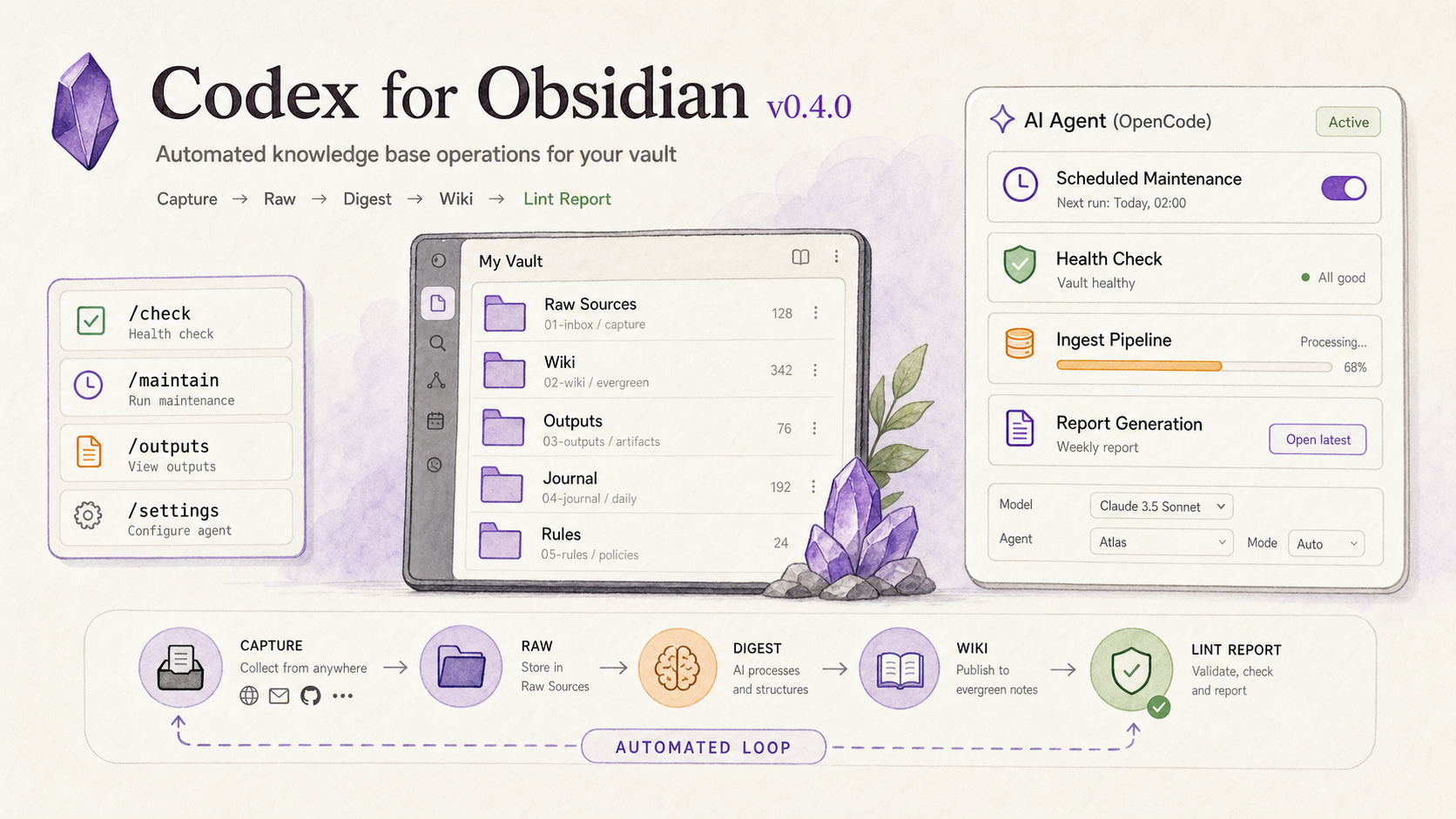
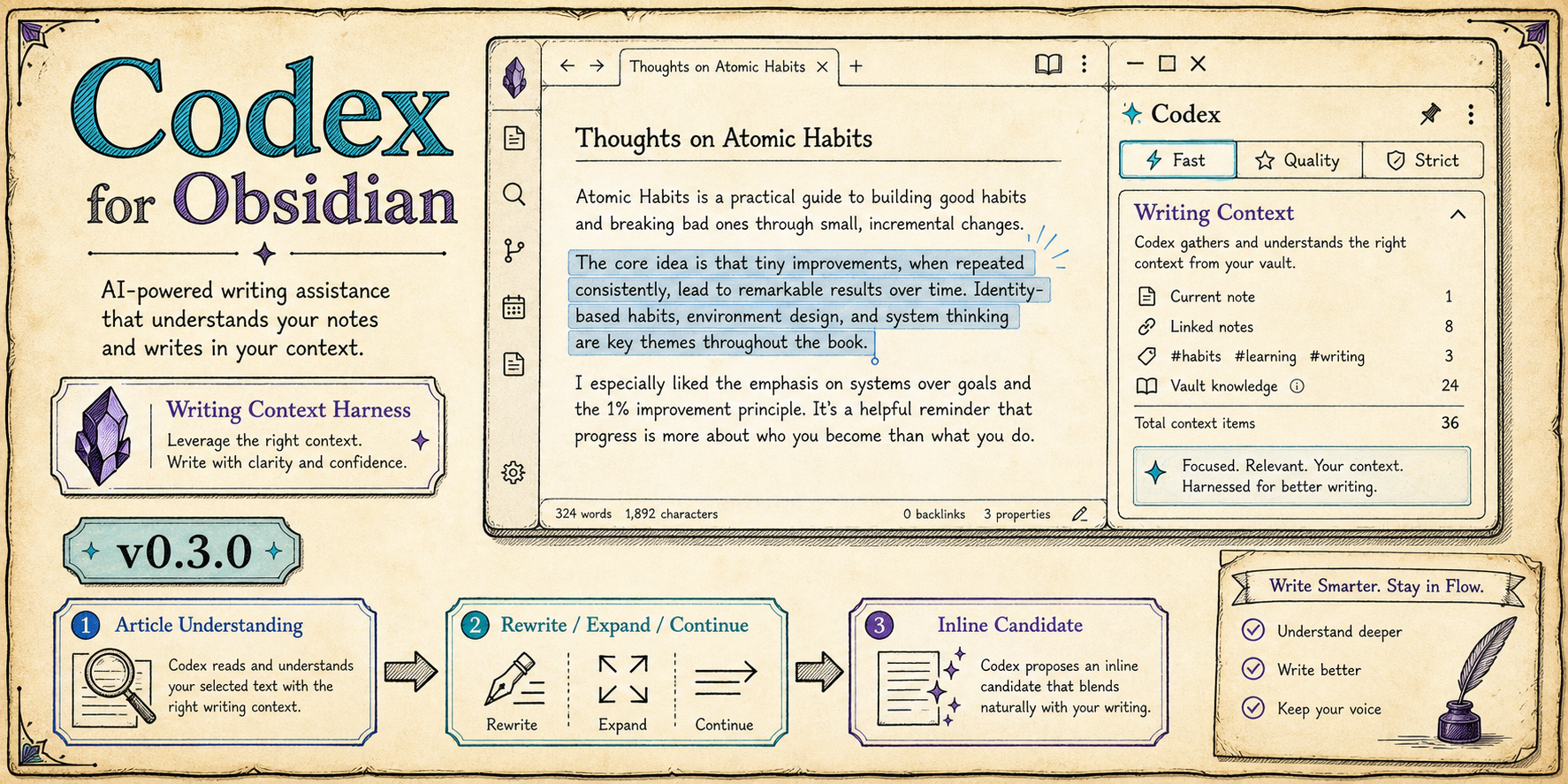
- The cover uses illustrative homepage content. Your actual notes, counts, activity, and status come from your own vault.
Full changes / 完整变更
View on GitHub ↗